
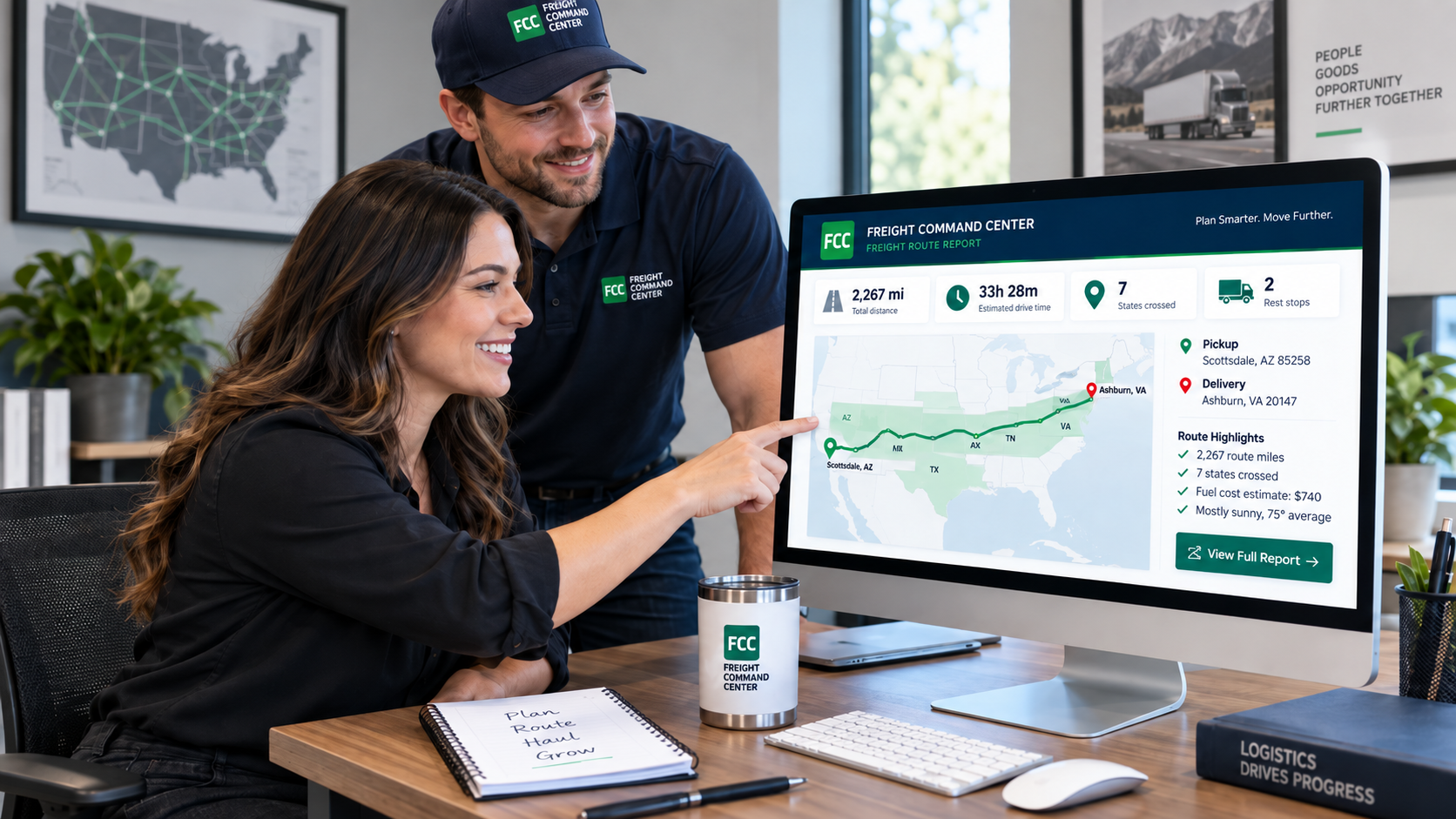
Free freight planning tool
Freight Route Planner
Enter pickup, delivery and any stops. Get estimated miles, drive time and a leg-by-leg view.
← Back to your load plan Your load plan is still there, exactly as you left it.
Route report:
Start with the estimated miles and stops, then review available conditions below.
Planning route, not driver navigation
This route is a planning estimate. It does not replace a carrier or driver’s approved commercial-vehicle navigation system.
Road restrictions, bridge clearances, weight limits, hazmat rules, construction and other commercial-vehicle requirements can affect the route actually driven. The carrier and driver remain responsible for verifying the legal route for their equipment and shipment.
States along this route
From the route's own geometry, in travel order. Miles inside each state are approximate.
Gas and diesel are one factor in a freight rate. Capacity, market balance, equipment availability, tolls, timing and other operating costs all move a number that fuel alone does not explain.
Route weather
The forecast for when the shipment would reach each stop and each state, counting continuous driving from the departure below. Rest breaks, fuel stops and time at the dock make real arrivals later.
Departure defaults to now at the pickup location. Change it if the shipment leaves later.
Source: Includes weather data from Google
View detailed forecast
Through the states
At each stop
Local time along the route
Useful when pickups or deliveries cross time zones: each clock is the time at that stop right now, and each leg shows its own miles and drive time.
The order entered is the order used until you ask for this.
Heads up along this route
Recent construction, closure, crash and weather-disruption reports found by a news search of the states this route crosses. They can be incomplete or out of date, so check the source before relying on one -- and never treat them as navigation instructions.
Every state along the route
Use this route
You have the lane. Now save it, use it in another planning tool, or send it to us when you’re ready to price the freight.
Recent routes
Kept in this browser only, so you can run a lane again. The list is not stored on the site; clear it any time.
Run this lane again any time. Weather and current route conditions change; the miles do not.
Freight route planning
What this planner is built to help with
Plan a lane, review each leg and see what to confirm before requesting a quote.
Miles
Know the approximate distance before pricing or planning the shipment.
Stops
See each leg separately instead of treating a multi-stop load as one number.
Conditions
Review the available weather, time and route information before the truck moves.
Quote handoff
Carry the planned route into the quote workflow instead of entering the same stops again.
Common questions
Common route-planning questions
Is this a truck route planner?
It is a freight planning tool, not commercial truck navigation. The route comes from general road routing between the ZIP codes you enter, so it shows the miles, stops, states and timing of a lane, but it does not know a truck’s height, weight, length or cargo. Drivers and carriers should follow their approved commercial-vehicle navigation.
Can I add multiple stops?
Yes. Add extra pickups before the delivery and extra drop-offs after it, up to 10 added stops in all. The planner keeps the order you enter and shows each leg’s miles and drive time. With two or more added stops, it can also suggest a shorter order, but only when you ask for one.
Does the mileage equal billable or carrier miles?
Not necessarily. The planner’s miles are a planning estimate on general road routing, measured from a central point in each ZIP code. Carriers and rating systems can use a different mileage source, a truck-specific route or the exact addresses, and the route actually driven can differ. Miles are also only one part of a rate: see how truckload rates are calculated.
Does the planner check low bridges and truck restrictions?
No. It does not use a vehicle’s height, weight, length or hazmat details, so it cannot check low clearances, weight limits, hazmat routes or roads closed to trucks. Heads up can show recent construction, closure and crash reports from a news search, but the carrier and driver still verify the legal route for their equipment and shipment.
Can I use the route when requesting a quote?
Yes. Once a route is planned, the quote button on the report opens a short quote request with this route already included: the stops in order, the planning miles and the drive time. Choose the equipment, or Not sure, add your name and email and submit it. The freight, the pickup date and any special requirements are optional.
Need a different planning tool? Freight Calculators & Planning Tools
Request a quote
Quote request received
You’re all set. We’ll review your request next.
Your quote request is in. Nothing is booked until you confirm in writing.
- Route
- Equipment
- Planner
- Reference
What happens next
- We review the shipment details and check whether anything important is missing.
- If something needs clarifying, you get a specific question instead of a guess.
- Your quote comes with any important assumptions or equipment recommendation noted.